
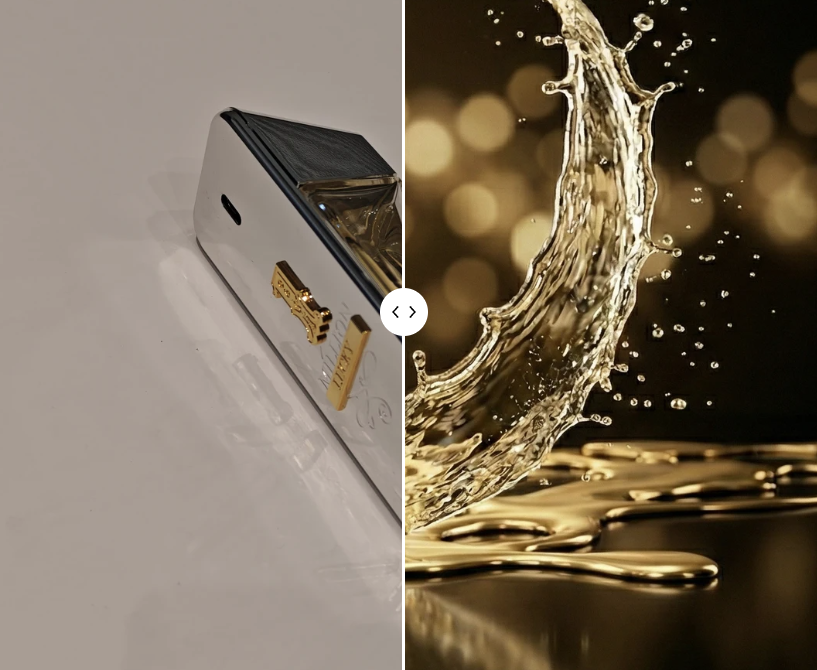
I put two perfume bottles on a table, picked up my phone and took two quick pictures. No studio lighting or prepared background. I deliberately tilted the phone slightly and framed the shots casually to simulate someone without photography experience.
Here is how the workflow went.
I uploaded the two photos to Gemini Nano Banana and described the style I wanted. The results were polished product images, some of which reminded me of advertising campaigns for Versace or Paco Rabanne.
The results: what could AI do with phone photos?
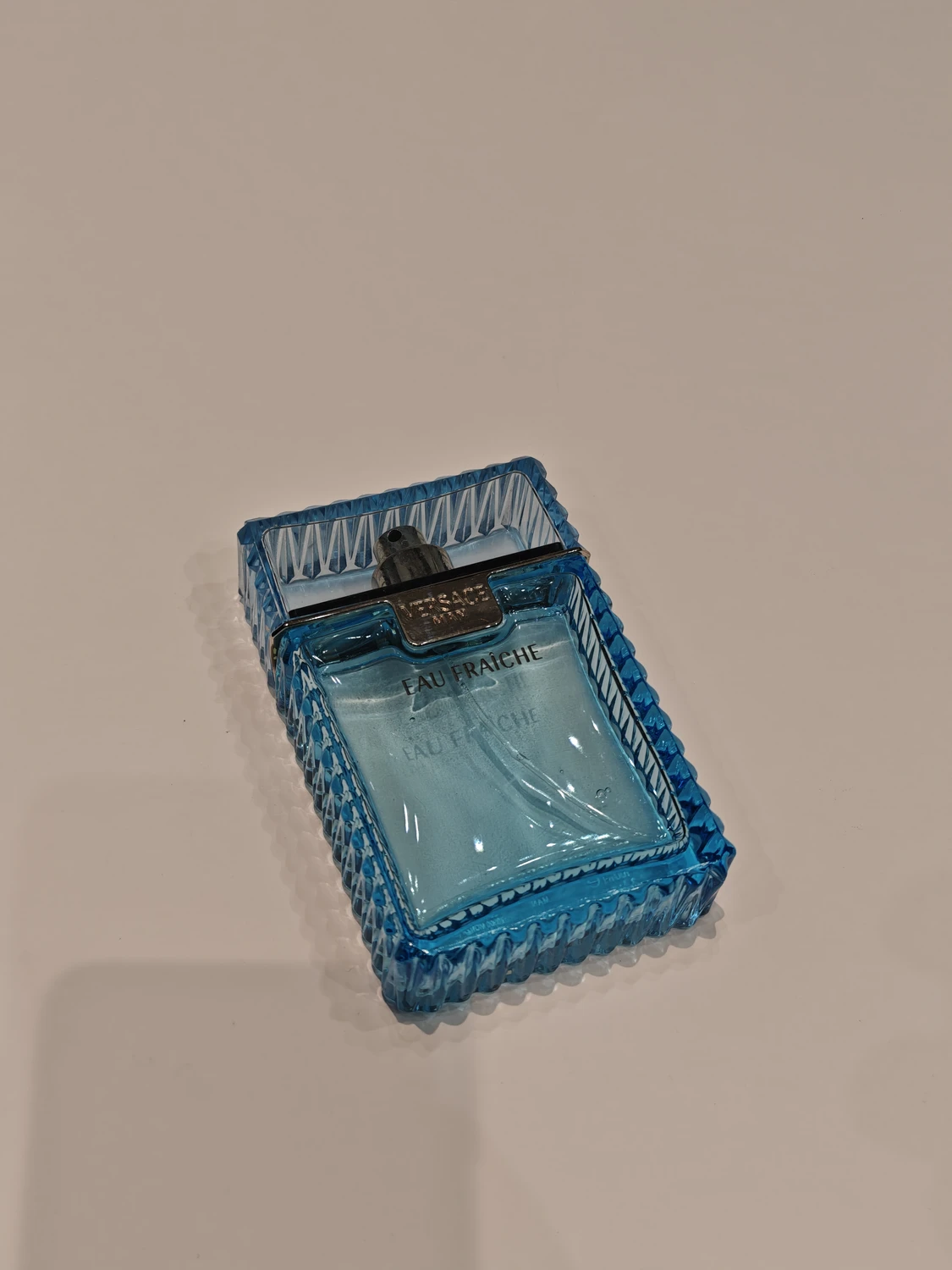
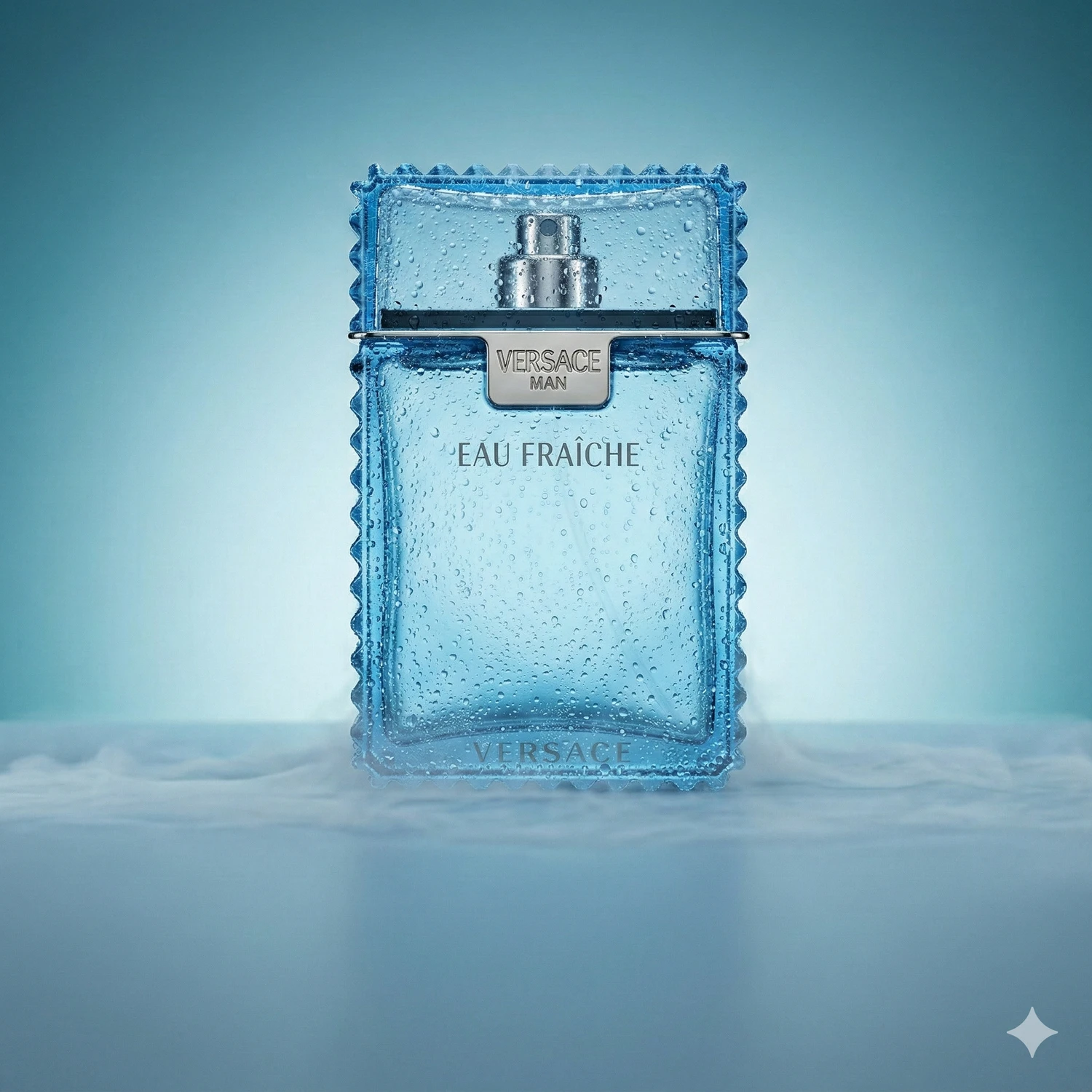
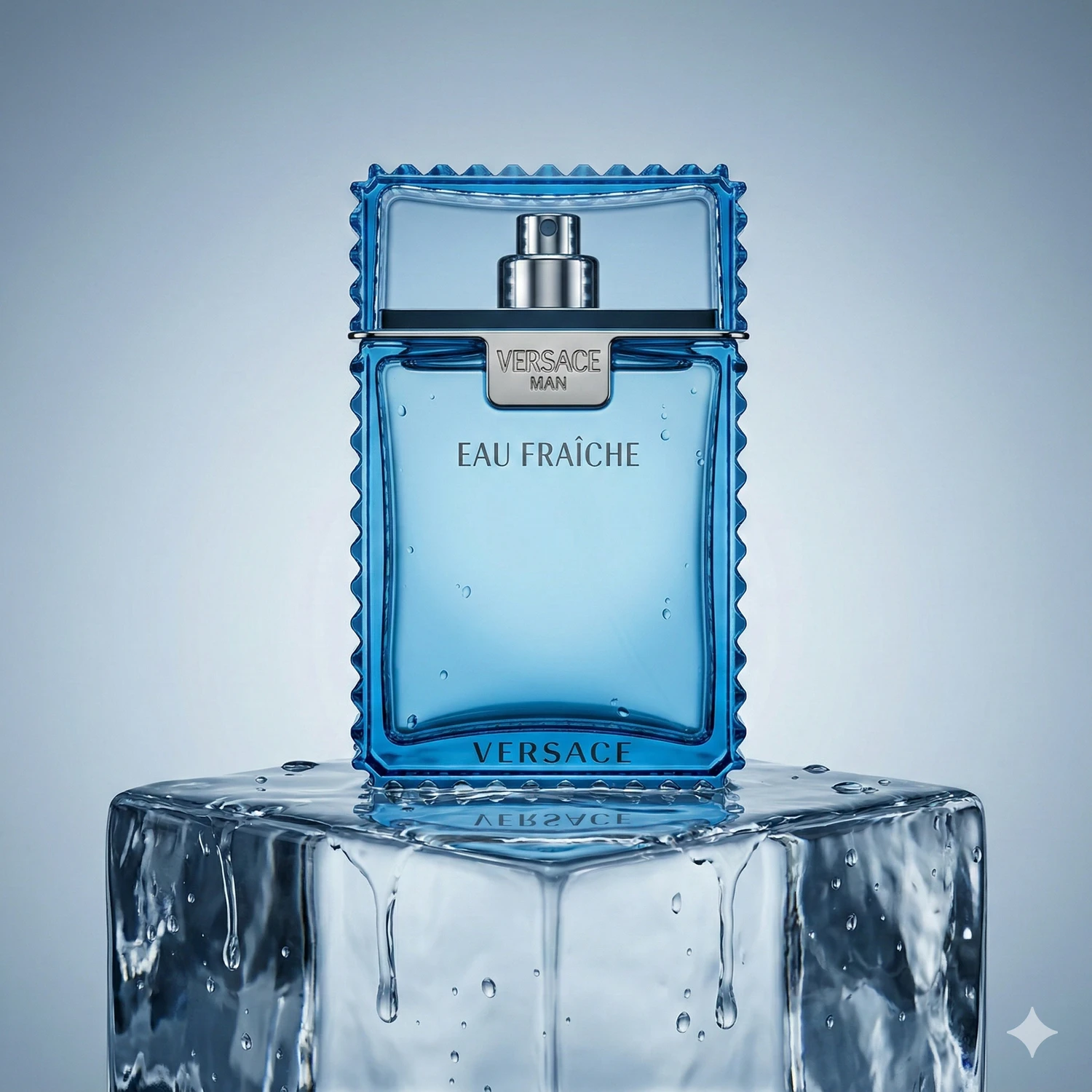
1. Versace Man Eau Fraîche
My original was taken in ordinary apartment lighting, from above at an angle. That might work for a Vinted listing, but not for the presentation I wanted in an online store.
AI straightened the bottle, removed the background and added studio-style lighting, reflections and shadows.
- In one version, splashes of water surround the bottle.
- In another, it stands against reflections in clear pool water.
- A third has a clean white background for a product listing.
2. Paco Rabanne 1 Million Lucky
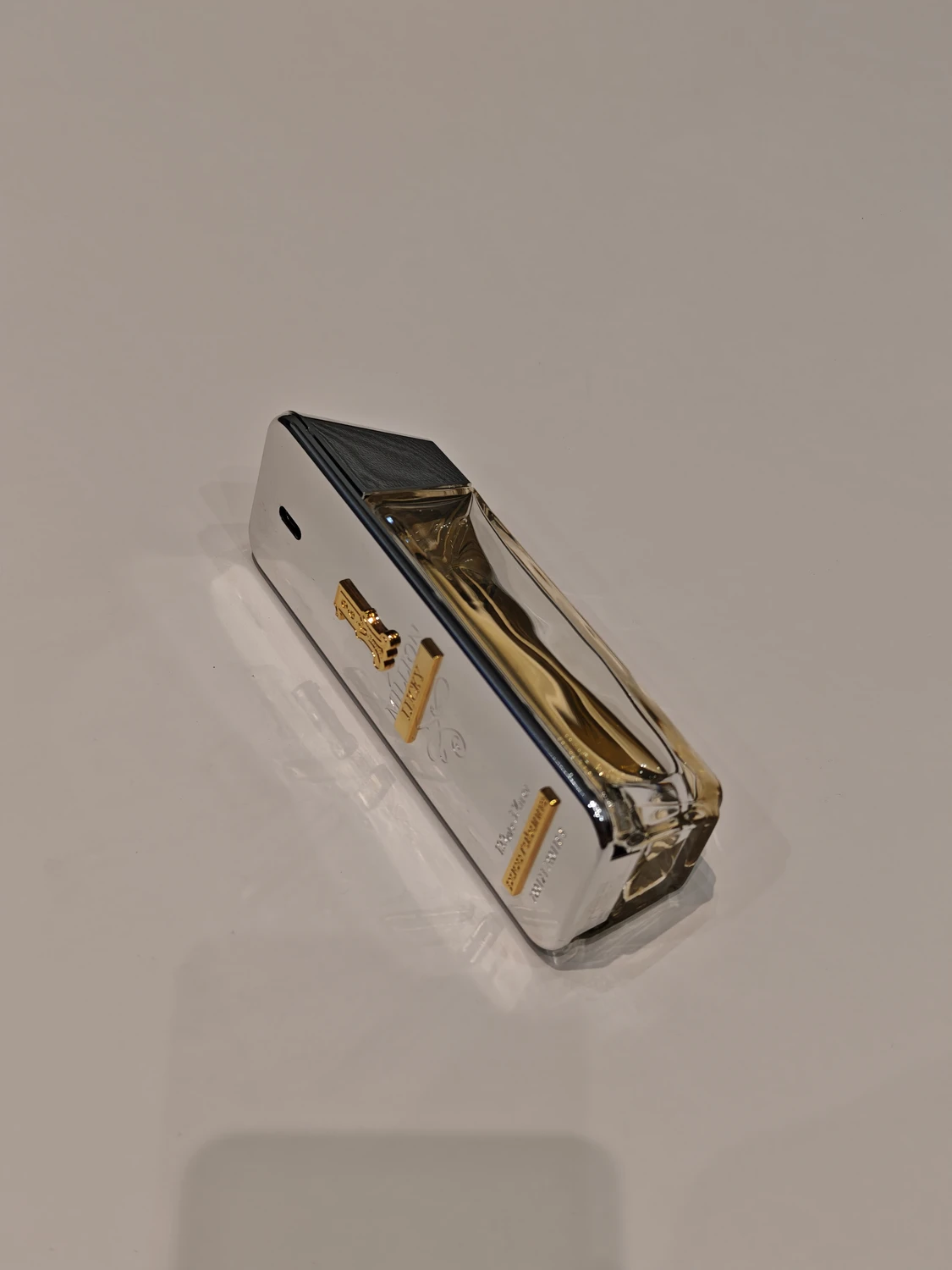
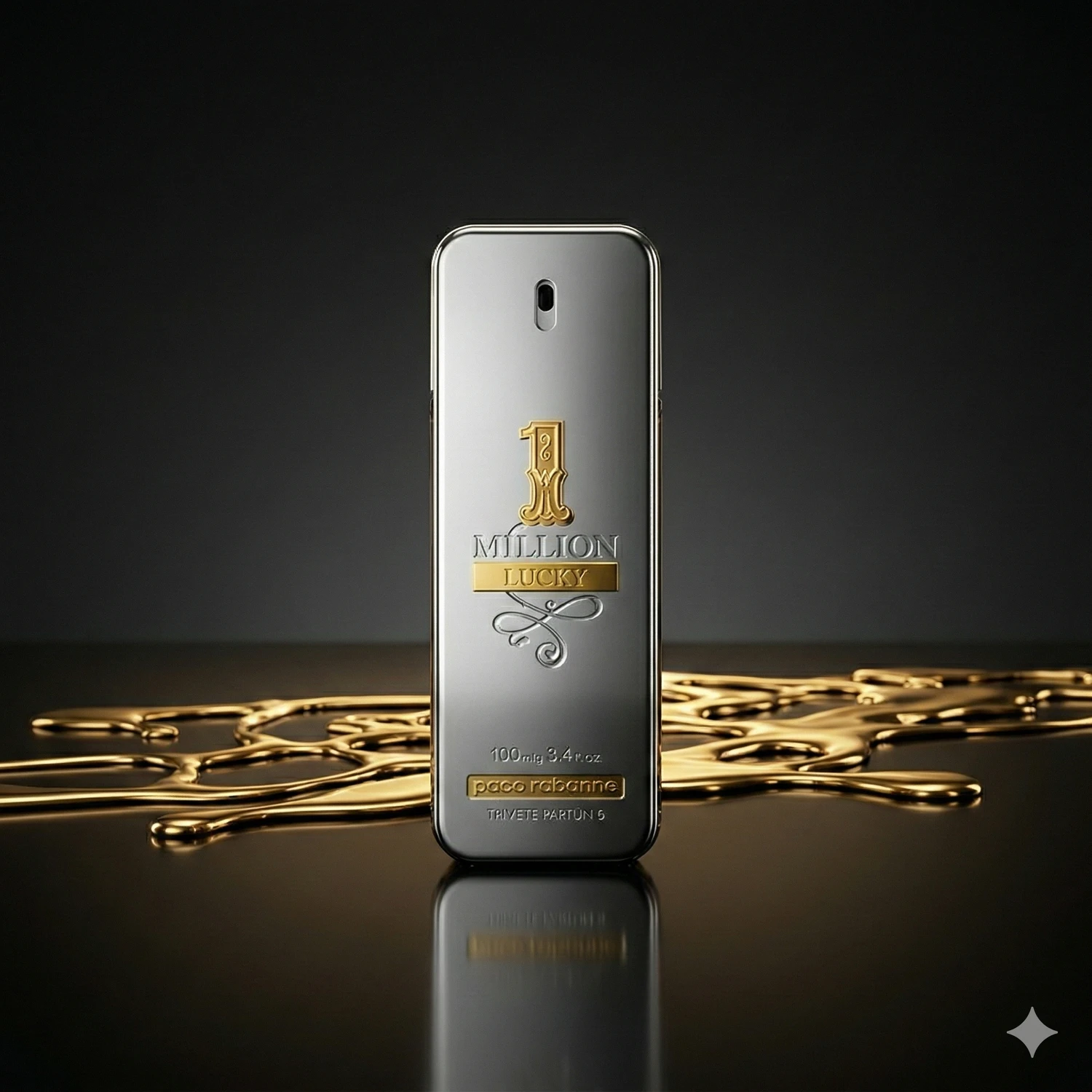
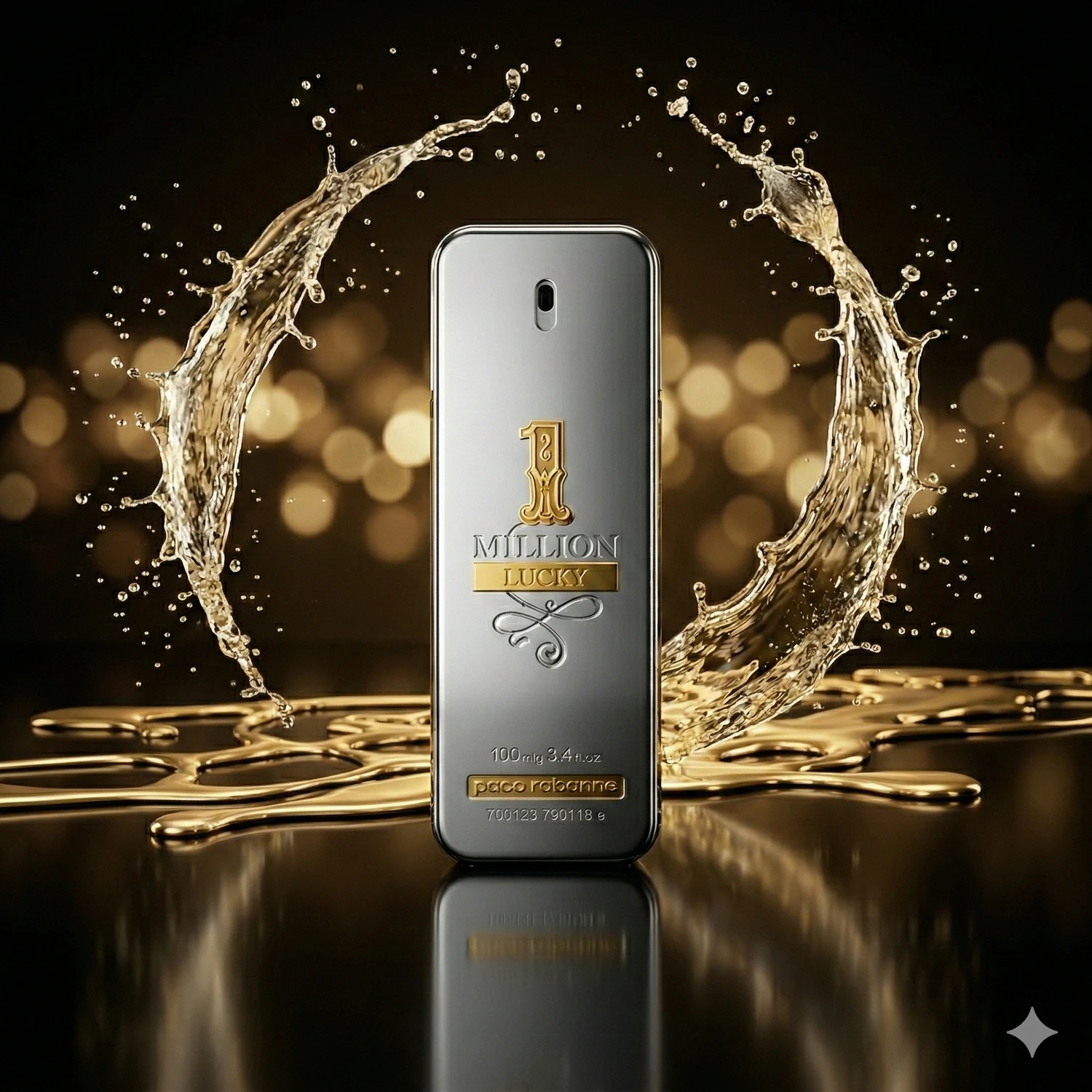
In my original, the bottle is lying on the table and even some dust is visible.
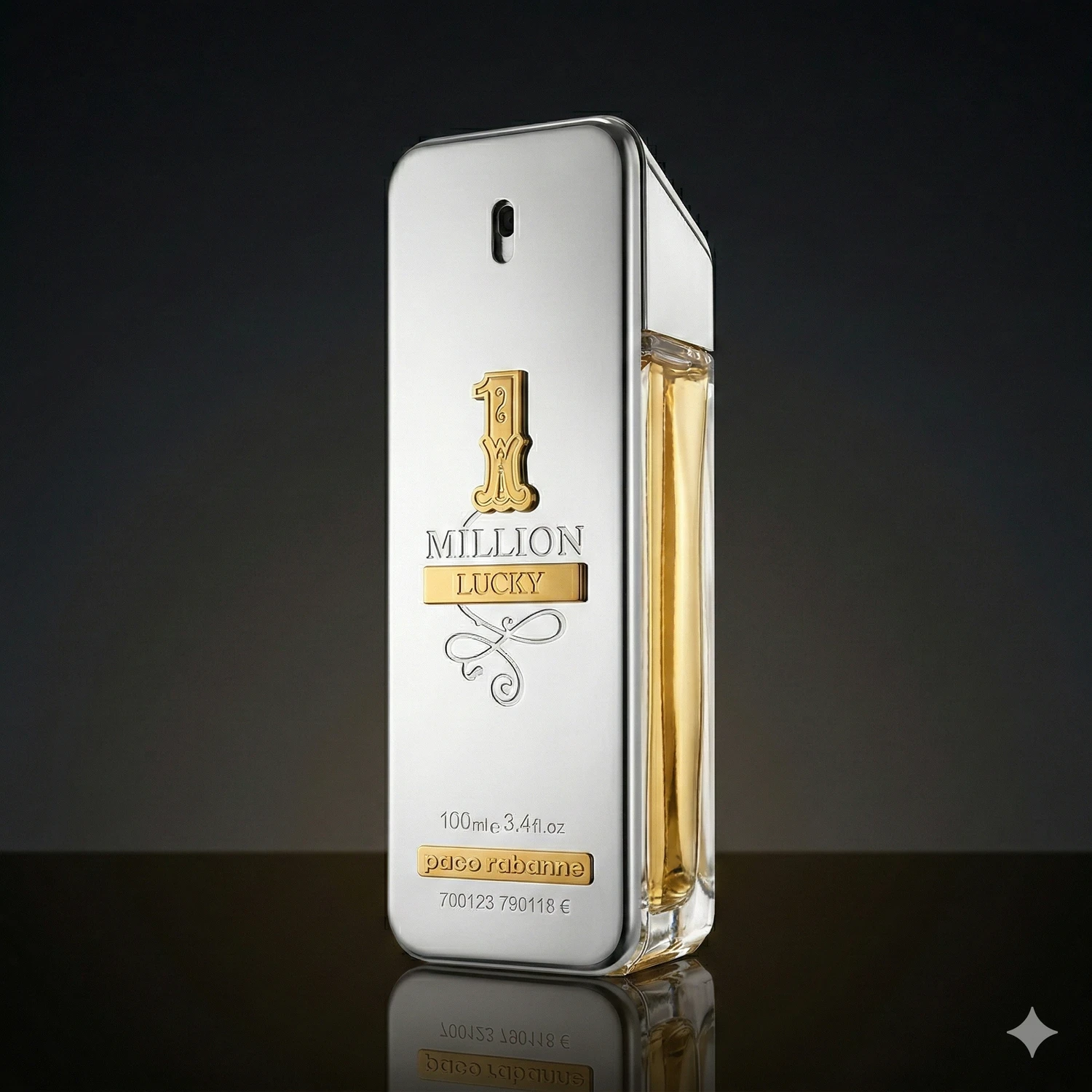
The AI version is quite different: a dark background, golden bokeh and a water reflection in an advertising style. Interestingly, one version interpreted ‘luxury’ by turning the originally silver bottle gold. That colour change makes the image unsuitable for a listing if the product being sold is silver.
The process, step by step
The process has a few stages:
- Photograph it. Use the phone you already have. Keep the product sharp and clear, with a little space around it. The background does not have to be uniform; AI can also work with more complex backgrounds.
- Upload it. Add the image to Gemini Nano Banana.
- Write the prompt. Give a short description, for example: ‘luxury perfume, dark background, water reflections, cinematic lighting’.
- Generate. In this workflow, Gemini Nano Banana produced one photo at a time. If a result was unsuitable, I changed the wording and tried again to create different style variations.
Time required? My illustrative estimate for a first attempt, including account setup and experimentation, is 20-30 minutes. Later, allow around 10-15 minutes per product image, depending on how many styles you try.
Comparing the effort: AI and studio photography
The difference becomes clearer when we compare the work involved. The following figures are illustrative estimates, not quotations or guaranteed savings.
Doing it yourself at studio quality:
The original comparison allowed 4-7 hours to set up lighting and a background, photograph a product set and edit it in Lightroom or Photoshop. It used an illustrative equipment budget of EUR 500-2,000. Actual time and equipment depend on the product, intended result and photographer’s experience.
Commissioning an experienced product photographer:
The original comparison used illustrative photographer fees of EUR 400-1,200 per day or EUR 200-600 for a smaller job. These are not verified current market rates. Ask for a quotation that specifies the image count, editing, usage rights and delivery date.
Using AI in my experiment:
- Photographing and uploading: 10 minutes.
- Generating eight different images: about 25 minutes.
- Total: 35 minutes and eight product-image results.
What makes up the cost of an image?
I did not measure a precise cost per AI image in this experiment. Relevant costs include the tool subscription, how many images are generated and usable, and time spent checking and correcting them. This test therefore cannot establish a reliable per-image price or a direct comparison with a photographer’s complete service.
For a small brand, AI may offer a lower-cost route to some useful images. The saving depends on the task and the corrections needed. If the product, its colour or packaging changes, the result needs correcting or replacing.
What does AI still struggle with?
- Text. Fine print on packaging can become distorted, especially from a poor source photo. Always check logos and text for accuracy and legibility.
- Complex detail. Products with several components, such as jewellery sets or watch mechanisms, may not render cleanly. AI can misrepresent shapes.
- Materials. Silk, matte leather and handmade patterns can become overly polished or plastic-looking. A studio photograph remains preferable when faithful material reproduction is essential.
Even with a simple perfume bottle or cosmetics package, compare the shape, colour, label and details with the original before using the result.
Who is this useful for?
AI product imagery can be useful when you need images quickly for a store or social media and have a limited budget. It gives small-business owners an option when a substantial photoshoot is not feasible.
I would still favour a professional photographer when products are valuable, every detail is critical or a lookbook shoot with people is needed.
For some straightforward images, a phone photo and a short editing session may be enough, but the result still needs checking. My later comparison of ChatGPT and Gemini image generation shows what can go wrong when editing an image.
Frequently asked questions
Can an AI product image be used on Amazon or in an online store?
Check the marketplace’s current image requirements before uploading. The product must remain accurately represented; an AI-generated white background alone does not establish compliance. Also check any rules about generated or altered imagery.
Which tool did you use?
I used the Gemini Nano Banana model.
Does the original photo’s quality matter?
Yes. In this kind of experiment, a 12-megapixel phone camera can be sufficient when the product is in focus and there is enough light. Clear source detail gives you a better basis for checking the result.
Author: Anti Soosaar
To try this workflow with your own products, explore the AI visuals training topic.